
My students
For each student: recent matches and lessons, level and its change over 30 days, programmes with progress, reviews and recommendations.
#A student's match on video.A review, by voice, on the moment.
The coach sees their students' games, tags moments during the lesson and sends clips and a report to the student's phone.
Advice fades after the lesson, progress is invisible, and lessons are not renewed.
The coach films on a phone and forwards files with no notes. Most of the time nobody films.
Who trains whom, what was reviewed and what was assigned lives in chats and notebooks.
The admin gives the Coach role under Staff and access; sign-in by phone number.
A player becomes a student after booking a lesson or getting a programme from the coach.
A student's match from the court cameras: a comment, a drawing over the frame and a voice note on a moment.
The review, lesson clips and the report arrive in the app with a notification.

A working club, ordinary lessons, nothing staged. Faces blurred.
Everything the coach, the student and the club work with. Jump to any section from the list above.
For each student: recent matches and lessons, level and its change over 30 days, programmes with progress, reviews and recommendations.
#Video with camera angles and a timeline with points, shots and outs. A time-coded comment and a drawing over the frame on any moment.
#The coach records a voice comment on a moment. The student listens to it in the match card next to the video.
#On a tablet at the court the coach taps their own buttons. After the lesson a short clip is cut for each tag and sent with a report.
#Four numbers for the period next to the club average, printable or saved as PDF.
#Match events as CSV or XML with a link to the full recording.
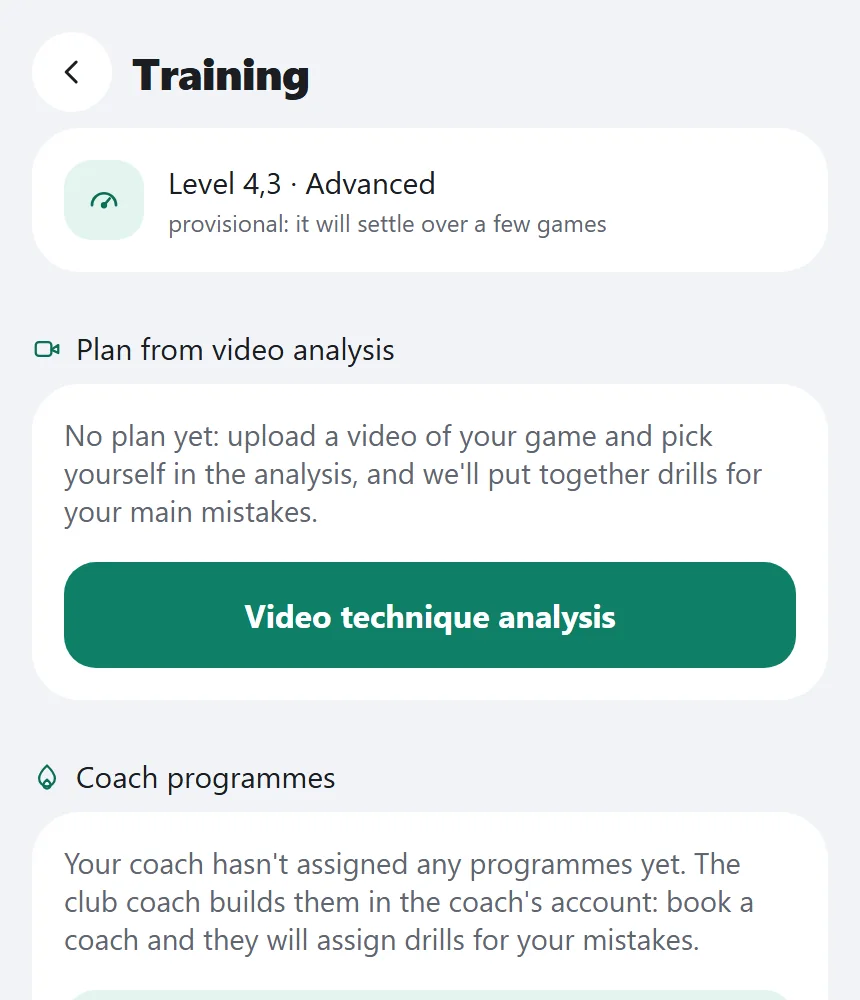
#The coach builds a program from the club's exercise library or their own; the student marks what is done. The training plan is also built from the latest match review.
#Between points — one short headset tip: the gap between partners, the hole in the middle, the opponent's point streak. Voice tips are not yet available in English.
The coach confirms or corrects the shot type and marks technique errors on episodes. A disputed point is fixed on the terminal with the coach's PIN.
Club coaches with descriptions and schedules in the app. Court and coach are booked in one go.
#Groups with a seat limit two weeks ahead; kids' sections with attendance and a coach report for parents.
#Serve accuracy, shot speed and net reaction scored 0 to 100 with a club leaderboard.
#A coach works with their own club only. The student receives only what the coach shared.
#More questions? We reply within one business day.
No. The coach works in the club admin panel in a browser, and in the player app they have a coach role with My students.
A notification arrives and the review appears in the match card. Many comments in a row give one notification per match.
A comment for the student is seen by the student; a general comment by all players of the match. Other clubs see nothing.
Tags are kept in the club and sent when the connection is back, with no duplicates.
A clip leaves the club only after bystanders' faces are blurred. With filming off there is no clip.
In the app: pick a club coach and a time, and the court is booked together with them.
Yes, the coach workspace comes with the smart court. Leave a request and we'll show it live.
We'll show the coach workspace in a real club and size it for your courts.
See also
Which shots you hit, how fast the ball flew and how far you ran, in every match card.
The player sees free times and the price; the club sees all bookings and customers in one window.
Matches with video and score, reviews, bookings and notifications in one app.