
Home / All features / Court terminal
Court terminal: QR check-in and match start
Every smart court has a terminal with a screen. Players sign in with the app QR or as guests, choose a format and start the match; during play they watch replays and mark moments, after it they see the summary and take their clips. The terminal also shows today's bookings for the court.
What it is and why
The terminal is where a player meets the smart court: the line-up is formed, consent to filming is given, the format is chosen and disputed balls are settled. Everything players get afterwards — score, video, review, rating — is linked to those who signed in at the terminal.
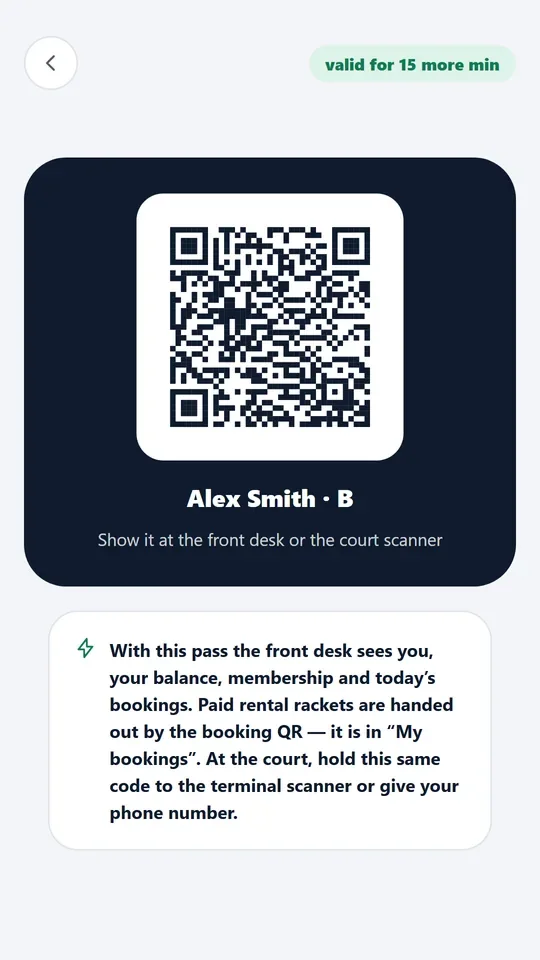
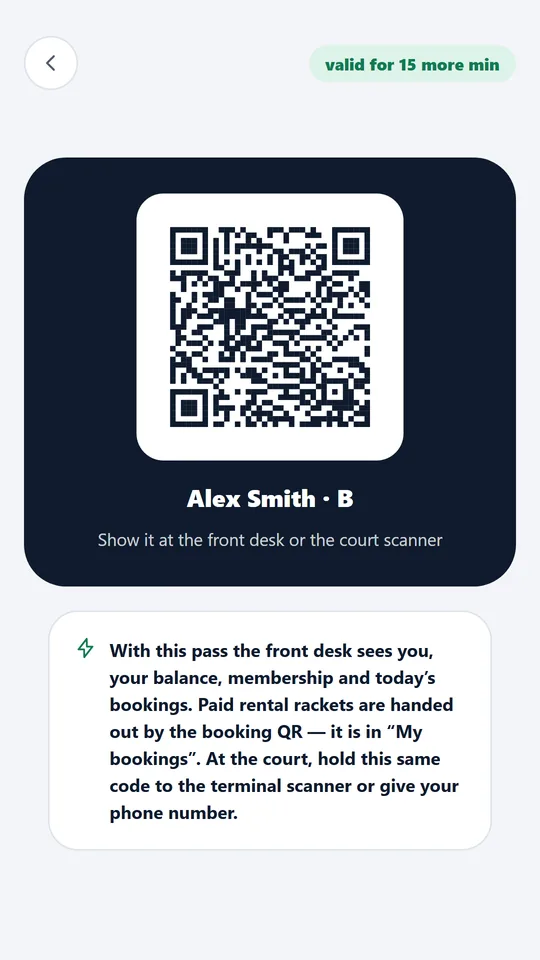
It works without the app too: guests start a match and take clips with the QR in the summary. With the app, signing in takes a second — QR to the scanner, and the match goes to the profile.
What it does
Court terminal
- QR check-in in a second; guests without sign-up
- 8 match formats, Americano on the court
- Score correction and out marks
- Today's court booking on the screen
An AI Padel terminal with a QR scanner at the court.
How it works
How it works
- Sign in
Players hold the app QR to the terminal scanner or play as guests. Optionally a player enables face sign-in in the app.
- Consent and format
The terminal asks for consent to filming; players choose one of 8 match formats or Americano.
- The match
Cameras keep the score; the terminal shows the score, Replay of the last rally and Highlight to mark a moment.
- By voice
“Court, replay!”, “Court, mark!”, “Court, score!” — the same as the buttons.
- Disputed ball
The system's decision on the last point with the reason and a replay; a coach or admin can correct it with a PIN.
- Summary
After the match — the summary and review, a QR and PIN for clips; “This is my match” adds it to the profile.
- In the club's style
The terminal, scoreboard and court pages take the logo, name and colours from the club settings — no software changes.
What you will see
What you will see
Players on court
Sign-in, format choice, score, replay, Highlight, Disputed ball, match summary with QR.
Player in the app
Their QR for signing in; the match, clips and review after the game.
Club in the admin panel
Courts and terminals: terminal and court status, today's bookings.
In detail
Court terminal
Face sign-in at the terminal
The player turns on face sign-in in the app: gives consent, takes a selfie and chooses the clubs where they may be recognised. The court keeps no photo, only a face template; withdrawing consent deletes it. The terminal camera looks only while the line-up is being set, never during play, and no frames are saved. Having recognised a player, the terminal asks “Is this you?” — the player joins the line-up only after tapping “Yes, it's me”.
Limits, honestly
Limits, honestly
- The terminal stands by an AI Padel smart court and works with its court server.
- Face sign-in only with the player's consent: the court stores a face template, not a photo; the terminal camera looks only while the line-up is forming, and frames are not recorded.
- The Flamey voice assistant answers about matches, shots, level and rating after QR sign-in; it does not talk about prices or payment.
- Score corrections only with a coach's or admin's PIN, logged.
Who it helps
Who it helps
Players
Start a match in a second, settle a dispute by replay, take clips without registering.
Clubs
Every game is linked to players: history, video and rating — a reason to come back.
Coaches
Correct the score with your PIN and replay for review right on court.
API
API
The same data in your systems through the open API.
Questions and answers
Questions and answers
Can we play without the app?
Yes, as guests. Clips are taken with the QR and PIN in the summary; “This is my match” adds the game to a profile.
How many match formats?
8 formats and Americano.
What if nobody starts the match?
The court server starts it by itself — from play on the court or from the booking.
How do I mark a great moment?
The Highlight button, the voice command “Court, mark!” or a gesture — both hands above your head.
Who can correct the score?
A coach or admin with their PIN; the correction is logged.
Is face sign-in safe?
Only the player turns it on; a template is stored, not a photo; withdrawing consent deletes it.
Does the terminal show bookings?
Yes, today's bookings for the court.
Does it work without internet?
Yes, the terminal works with the court server in the club network.
More features
Auto scoring
The court cameras see every rally and keep the score by padel rules: 15–30–40, golden point or advantage,…
Court booking and club CRM
Players see free time on the club's courts and book in the app in a minute — with the price, court choice and…
Court scoreboard and club screen
A TV by the court shows the live match score — large, visible from anywhere on the court. The club screen in…
Want this court in your club?
We'll show it live and size it for your club.